How it works
The crew does one thing: take the picture. JobCam handles where it goes and who can see it.
Step 1 of 4
Open JobCam and you are on the camera. There is no job to pick first and no album to find later.
The photo is saved on the phone immediately, so a bad signal never costs you the picture.
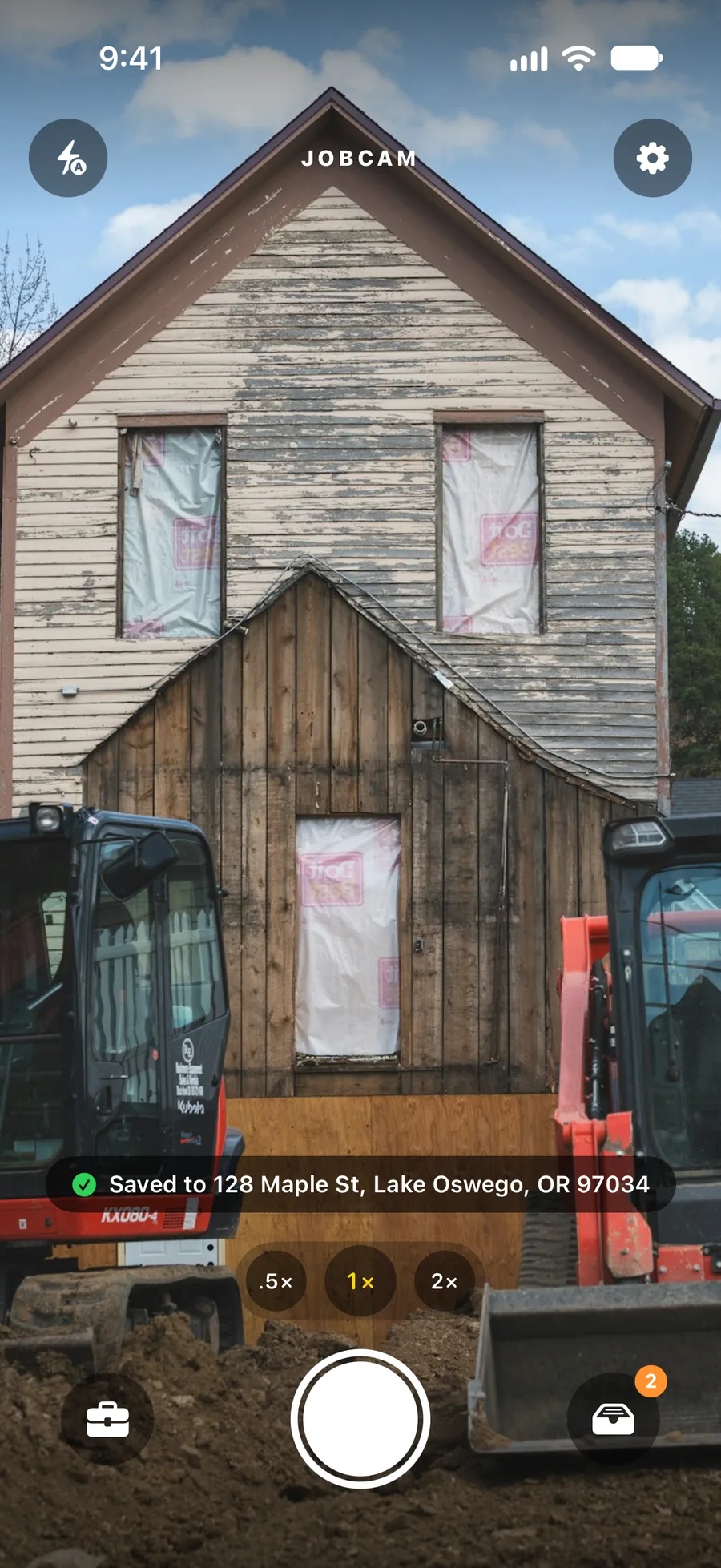
Step 2 of 4
JobCam matches the photo to the job at that street address. It checks the normalised address first, then falls back to GPS within 100–150 ft of a job pin (125 ft by default).
If two jobs are too close or the phone had no fix, the photo goes to the Unfiled inbox with the reason, and anyone on the team can file it in a tap.
Step 3 of 4
The dashboard at app.jobcamapp.com shows every job, photo and the Unfiled inbox as they change. Categories and captions carry over.
Upload JPEGs from the browser too. They are filed by GPS the same way.
Step 4 of 4
Select photos and build a US Letter PDF with a cover page, or send the customer an expiring share link.
Open the Marketing center to compose one post for your Facebook Page and Instagram, schedule it, or use the before/after template.
JobCam never guesses. If it is not confident, the photo goes to the Unfiled inbox with a reason such as "two jobs within 125 ft" or "no GPS fix". You file it to the right job with one tap, and nothing is lost.
Yes. Photos are saved on the phone first and upload in the background when a connection comes back. The dashboard shows them as soon as they arrive.
No. Take the photo; if there is no job at that address yet you can create one from the Unfiled inbox in a tap, and the photo files under it. Admins can also create jobs ahead of time, on the phone or in the dashboard.
The address stays the identity. Renaming only changes the label you see, so photos keep filing to the same job. Admins can also merge duplicate jobs and delete ones that should not exist.
JobCam runs on iPhone (iOS 18 or later) and Android (Android 10 or later). The office side is a website that works in any modern browser.
JobCam is in a limited beta. Request a demo and we set up your company, invite your crew and send the beta app through TestApp.io.
JobCam is in a limited beta. Request a demo and we will set up your company, invite your crew and send them the beta app for iPhone and Android.