
It files itself
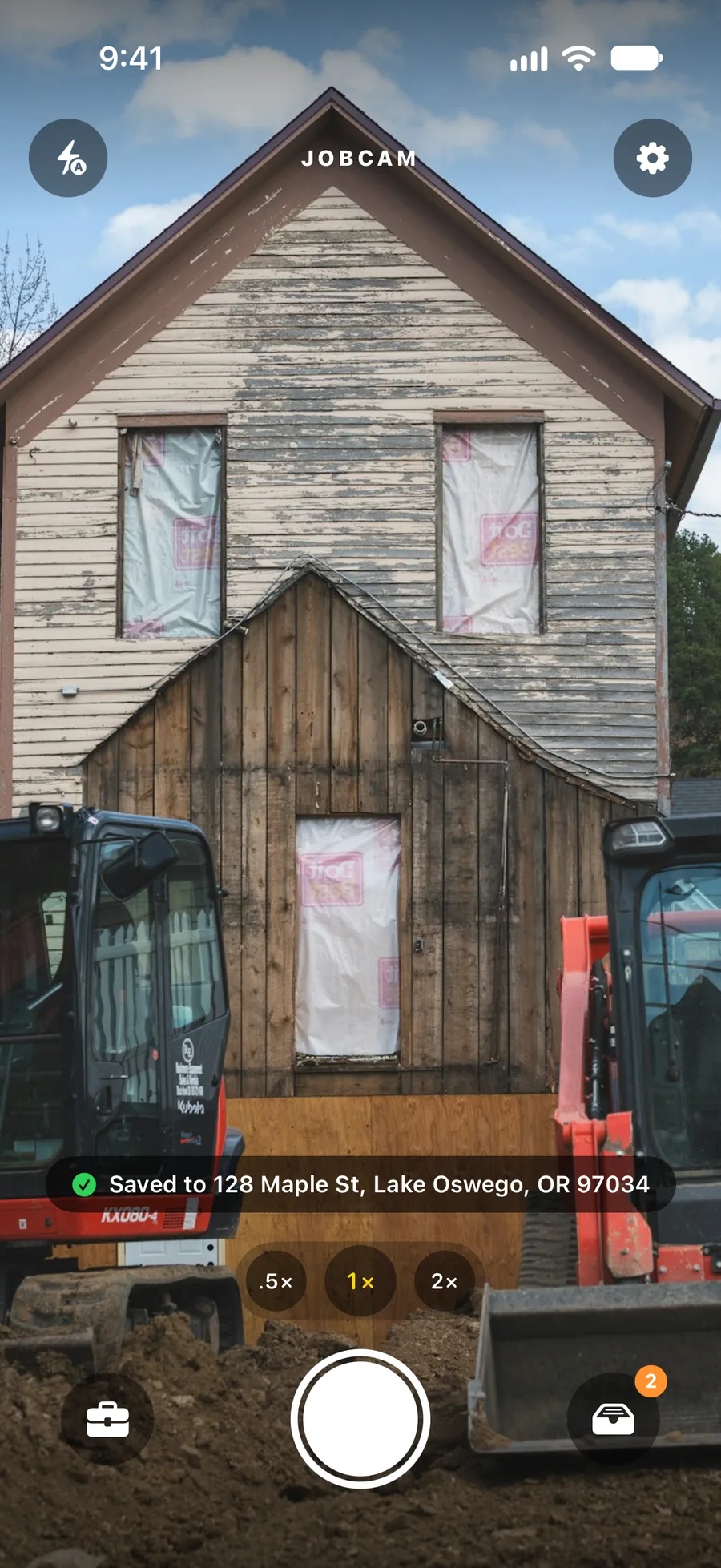
Shoot and move on. JobCam matches the photo to the job at that address, by the address itself or by GPS within about 125 feet. No albums, no renaming, no texting photos to the office.
For iPhone and Android · iOS 18+ · Android 10+
JobCam opens straight to the camera. Every photo files itself under the job at that street address, backs up in the background and shows up live for the office, ready to report, share or post.
JobCam is in a limited beta. We set up your company and get the app onto your crew's phones.
How it works
Open the app. It is already on the camera. Take the shot.
The photo lands under the job at that address, with a category and room for a caption.
The office sees every job, photo and the Unfiled inbox live in the dashboard.
Build a PDF, send a customer a share link, or publish to your Facebook Page and Instagram.
Web dashboard
Sign in at app.jobcamapp.com to see every job, photo and the Unfiled inbox as the crew shoots. Upload from the browser, manage the team, build reports and run your marketing from the same place.
What crews tell us
Example quotes that show the kind of feedback JobCam is designed for. They are illustrative, not attributed testimonials.
“I take the picture and put the phone back in my pocket. That is the whole job.”
A foreman on site · example
“I can see what happened at every address today without asking anyone to send me anything.”
An office manager · example
“The before-and-after post takes a minute, and it comes from photos I was already taking.”
An owner-operator · example
JobCam is in a limited beta. Request a demo and we will set up your company, invite your crew and send them the beta app for iPhone and Android.